How to prepare computers and devices for pickup
Before you hand over a device, remove your data. Back up what you need, sign out of your accounts, remove SIM cards and storage, factory-reset phones and tablets, and wipe or remove hard drives. Use the checklist below.
Back up what you need
Copy any files, photos, or account data you want to keep to another drive or a cloud account before you erase anything. A wipe is not reversible.
Sign out of your accounts
Sign out of email, cloud storage, password managers, and app stores. On Apple devices, turn off Find My and sign out of your Apple Account. On Chromebooks, remove your Google account.
Remove personal and business information
Clear browser saved passwords, delete local files, and remove any business or client data. Don’t rely on emptying the recycle bin alone.
Factory-reset phones and tablets
Use the built-in erase or factory-reset option so the device clears its encryption keys. For an encrypted phone or tablet, a proper reset usually makes the old data unreadable.
Remove SIM cards and removable storage
Pop out the SIM and any microSD card. They are easy to forget and can carry contacts, photos, and account data.
Remove device-management locks
Turn off activation locks, MDM enrollment, or corporate device management so the next user is not locked out and your organization is no longer tied to the hardware.
Handle hard drives and SSDs
If you cannot verify a wipe on a drive with sensitive data, remove it and keep it, or have a professional sanitize or destroy it.
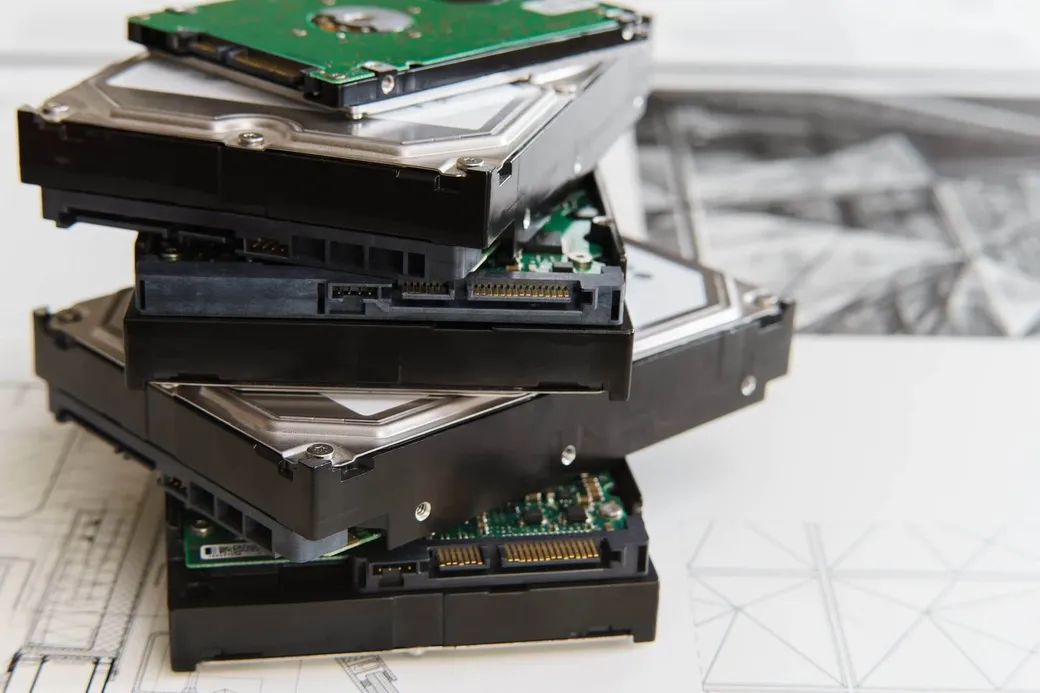
Hard drives and SSDs, in more detail
On a modern computer, start with the built-in reset and choose the option to erase the data: Windows’ Reset this PC → Remove everything → Clean the drive, or macOS’ Erase All Content and Settings. Both wipe the drive and, on encrypted machines, discard the encryption keys. If you would rather not pass the drive along, remove it and keep it. A drive that never leaves your hands is the safest option.
For the technical standard behind this advice, the U.S. government’s NIST SP 800-88 guidelines for media sanitization describe three levels: Clear, Purge, and Destroy. The Federal Trade Commission also has a plain-language walkthrough for consumers.
When a business should hire a certified provider
If your organization handles regulated data, don’t rely on a self-serve wipe you can’t document. That includes health records, financial or cardholder data, student records, and client information covered by a contract. Hire a certified data-destruction or IT asset disposition (ITAD) provider that issues a certificate of destruction and keeps an auditable chain of custody. That documentation is what an auditor or regulator will ask for.
What we don’t provide
We are a small reuse and resale operation. Please remove your data before transferring equipment. We do not provide certified data destruction or issue recycling or destruction certificates. If you need certified destruction, use a provider that offers it before the hardware leaves your control.
Data handled? Let’s talk pickup.
Once your devices are wiped, tell us what you have and we’ll see if it’s a fit.
Electronics pickup in Fayetteville, Springdale, Rogers, Johnson, and nearby Northwest Arkansas communities.